Writing a changelog people actually read
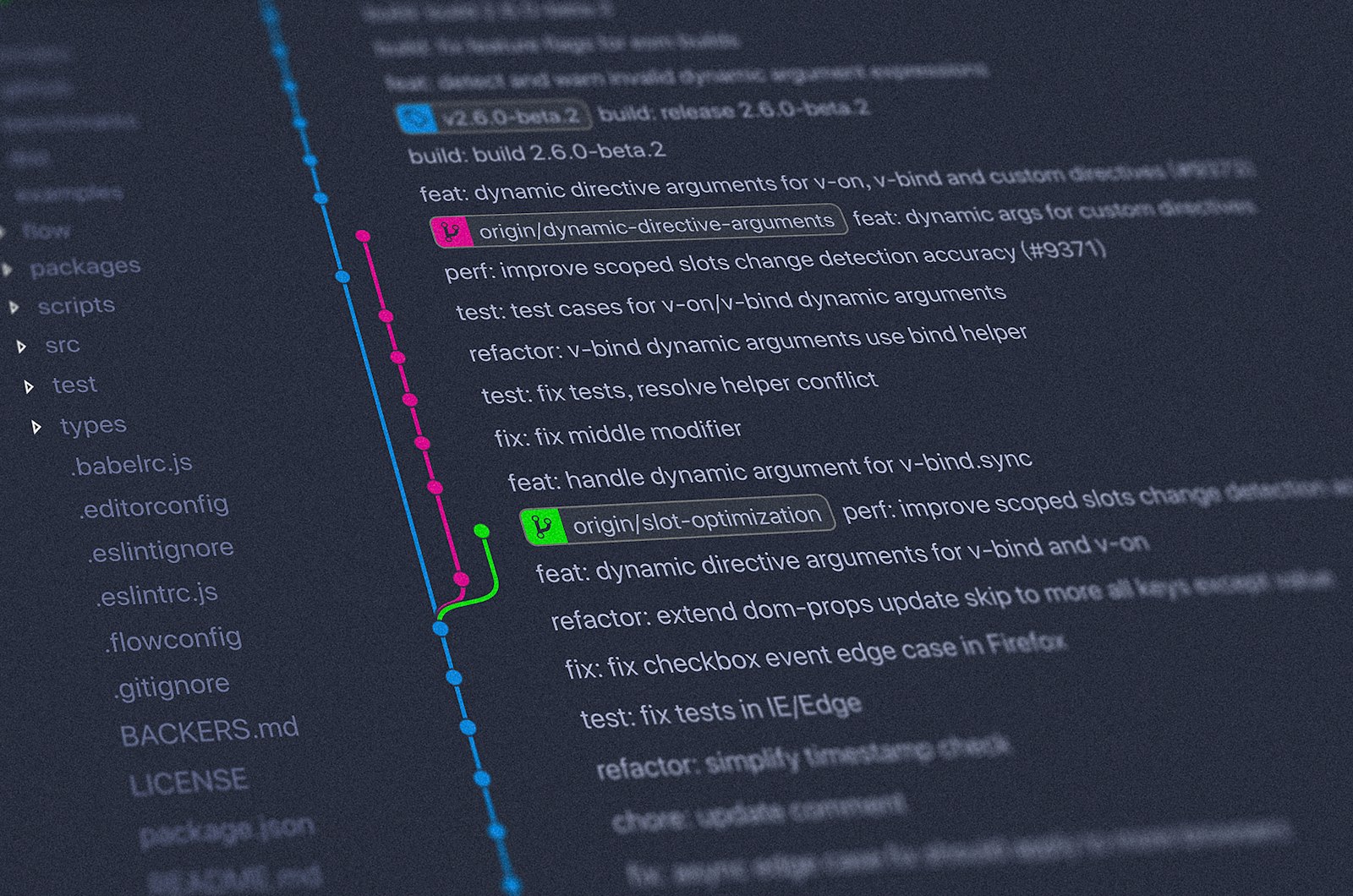
Most changelogs are written on release day by whoever happens to be cutting the release, and it shows. Some are a raw dump of commit subjects. Others say “bug fixes and improvements” and nothing else. Either way, the people who open the file looking for one answer, “is it safe for me to upgrade?”, close it without one.
A changelog is documentation, and like any documentation it has a reader with a question. The reader here is someone who depends on your project and is deciding whether to move from the version they run to the one you just shipped. Everything below follows from keeping that person in mind.
Write for the person upgrading, not for the commit log
Your Git history already records what happened, commit by commit, for the people who work on the code. The changelog answers a different question: what is different for someone who uses it. That means some commits never appear, and some changes need more words than their commit had.
Compare two entries describing the same change:
- refactor: move cfg loader into core/settings, drop legacy path

- The configuration file is now read only from ~/.config/tidepool/config.toml.
  The old location, ~/.tidepoolrc, is no longer checked.
The first is a perfectly good commit message. The second is a changelog entry: it names the thing a user touches, says what happens now, and lets them check whether they are affected without reading any code. A few habits help:
- Name what users see. Commands, flags, config keys, API functions, error messages, default values. Internal module names mean nothing to most readers.
- Leave out what changes nothing for them. Refactors, test changes, CI tweaks and dependency bumps that have no visible effect belong in the history, not the changelog.
- One change per entry, in plain sentences. If an entry needs an “and”, it is often two entries.
- Link to the issue or pull request for readers who want the detail, rather than putting the detail in the entry.
Group changes by what they mean for the reader
The convention from Keep a Changelog sorts each release into six groups, and we think it is worth adopting as is, because readers already know it:
- Added for new features.
- Changed for changes to existing behaviour.
- Deprecated for features that still work but will be removed later.
- Removed for features that are gone.
- Fixed for bug fixes.
- Security for fixes to vulnerabilities.
The groups are not decoration. They let a reader skim straight to the part that matters to them: someone with a pinned dependency reads Removed, Changed and Security first; someone waiting for a fix reads Fixed. Leave out empty groups instead of writing “None”, and keep the order the same in every release so the eye learns where to look.
Deprecated deserves special care. It is the warning that gives users time to move before something breaks, so each entry should say what to use instead and, if you know it, in which version the old way will go away.
Call out breaking changes and show the migration
A breaking change listed as one line among twenty fixes is the most common way a changelog fails its reader. If an upgrade can stop someone’s code or configuration from working, make it impossible to miss: put it at the top of the release, mark it clearly, and say exactly what to do.
Here is how a release of a fictional command-line tool might look:
## [3.0.0] - 2026-10-22

### Breaking changes
- `tidepool sync` no longer accepts `--force`. Use `--overwrite` instead,
  which also asks for confirmation unless you add `--yes`.

  Before:  tidepool sync --force ./data
  After:   tidepool sync --overwrite --yes ./data

- Python 3.9 is no longer supported. The minimum version is now 3.10.

### Added
- `tidepool status --json` prints machine-readable output. (#412)

### Deprecated
- The `TIDEPOOL_HOME` environment variable. Set `data_dir` in
  config.toml instead. It will be removed in 4.0.0.

### Fixed
- `tidepool sync` no longer hangs when the target folder is empty. (#398)

### Security
- Archive paths are now checked during extraction, so entries containing
  `../` can no longer write outside the target folder. (#420)
Keep a Changelog itself has no “Breaking changes” group; breaking entries normally sit under Changed or Removed. Pulling them into their own block at the top of a major release is a small departure we think is worth it, as long as you do it consistently. The essentials are the before-and-after lines. A reader who can see the old command next to the new one can migrate in a minute. If the migration takes more than a few lines, write it up as a separate guide and link to it from the entry.
Version numbers and dates that say something
Semantic Versioning gives the version number a meaning in the form MAJOR.MINOR.PATCH: increase MAJOR for incompatible changes, MINOR for backwards-compatible features, PATCH for backwards-compatible fixes. The changelog and the version number should tell the same story. If a release has anything under Removed or a breaking change, and you follow SemVer, it is a major release. If it only has Fixed entries, it is a patch. When you find yourself writing a breaking change into a minor release, that mismatch is worth stopping for.
Two smaller habits make the file easier to use:
- Date every release in ISO 8601 format, as in 2026-10-22. It sorts correctly and reads the same everywhere. A version without a date makes readers guess how old their copy is.
- Keep an “Unreleased” section at the top. Add entries there as changes are merged, while the details are fresh. On release day you rename the heading and add the date instead of reconstructing a month of work from memory.
Newest release first, always. Nobody opens a changelog to read about version 0.1.
Link each release to its tag and its diff
An entry tells the reader what changed; a link lets them check. Tag every release in Git with an annotated tag, so the tag records who made it, when and why:
git tag -a v3.0.0 -m "Release 3.0.0"
git push origin v3.0.0
Before writing the entries, list what went in since the previous release. This is the raw material, not the finished text:
git log --oneline --no-merges v2.4.1..v3.0.0(Before you have tagged the new release, use v2.4.1..HEAD instead.) Then make each version heading a link. Keep a Changelog uses reference-style Markdown links collected at the bottom of the file, which keeps the headings short. Most code hosts offer a compare view between two tags; the URL pattern differs from host to host, so check yours. On a GitHub-style host it looks like this:
[Unreleased]: https://git.example.com/acme/tidepool/compare/v3.0.0...HEAD
[3.0.0]: https://git.example.com/acme/tidepool/compare/v2.4.1...v3.0.0
[2.4.1]: https://git.example.com/acme/tidepool/compare/v2.4.0...v2.4.1
Now a reader who doubts an entry is one click from the exact code that changed.
Keep the changelog where readers find it
Call the file CHANGELOG.md and put it at the root of the repository, next to the README. Link to it from the README too; our post on writing a README covers what else belongs on that first page. If you publish release notes elsewhere, write them from the changelog rather than separately, so the two never disagree.
The same thinking applies to a long technical post: when you revise it, readers deserve a short, dated note on what changed. We describe that in updating a technical post without breaking trust. If you write about your own project’s releases on TechDug, the publishing guidelines say what we expect from links to repositories and from code borrowed from elsewhere.




Comments 0
Comments are reviewed before they appear. Oldest first.
No comments yet. Spotted a typo, a better flag, or a step that failed for you? Say so below.