Updating a technical post without breaking trust

A technical post starts to age the day it is published. Libraries release new versions, flags get renamed, operating systems change their defaults. Nothing in your post changed, and yet some of its steps are now wrong. The question is not whether a post will need updating but how you update it so that readers can still trust what they are reading.
Here is the approach we suggest. It is built on one idea: readers should always be able to tell what a post was tested against and what has changed since they last saw it.
Put a “tested with” line near the top
Every post that contains commands or code should say what it was tested on, in a line or two just after the introduction. Something like this, written as ordinary text in the post:
Tested with: Debian 12, Python 3.11.2, requests 2.32.3.
Last checked: 21 October 2026.
This line does two jobs. For readers, it answers the first question anyone asks when a step fails: “Is it me, or is the post out of date?” For you, it is the baseline for every future revision, because you can only say what changed if you wrote down where you started. Collecting those versions is part of writing the tutorial in the first place; our post on writing a reproducible tutorial shows the commands.
Use a full date with the month written out. “10/11/2026” means different days in different countries, and “last year” means nothing once the post is a year old.
Decide: correct it, extend it or write a new post
Not every change deserves the same treatment. We find it helps to sort them into three kinds.
- Corrections. A typo in a command, a wrong file path, a step that was never right. Fix it in place. If readers may have followed the wrong version, add a short note saying what was corrected.
- Updates. The tool changed and the post must change with it: a renamed flag, a new default, a deprecated command. Edit the steps, update the “tested with” line and add a dated change note.
- Rewrites. The approach itself is obsolete, or the new version works so differently that most of the post would change. Write a new post, and add a clear note at the top of the old one that links to it.
The third case is the one people avoid, because it feels like more work. But a post that has been edited beyond recognition loses its history, while two posts with clear links between them keep both versions available to the people who still need the old one.
Leave a visible change note
When you change anything a reader might have already used, say so in the post. A short, dated list at the end works well, with the newest entry first:
Changes
21 October 2026: step 4 now uses "docker compose" instead of "docker-compose".
3 March 2026: corrected the path in step 2 (was ~/.config/app, now ~/.config/demo).
Be specific. “Updated for the new version” tells a returning reader nothing; “step 4 now uses X instead of Y” tells them exactly which part of their setup to look at. If a change fixes something that could have caused harm, such as a command that deleted more than it should, put the note at the top of the post instead, where nobody can miss it.
The Docker Compose example is a real one worth knowing. The original standalone docker-compose program has been replaced by the docker compose plugin, and the old program no longer receives updates. Posts written before the switch still work on some machines and fail on others, which is exactly the situation a change note is for. The same goes for apt-key, which Debian and Ubuntu have deprecated in favour of keeping each repository’s key in its own file.
Keep the address and the structure stable
Other people link to your post: from answers on forums, from their own tutorials, from bookmarks and from notes in their code. Every one of those links depends on the address staying the same. When you update a post, keep its slug, even if the title changes. A title can say “for version 3” while the address stays as it was.
Keep the section structure stable too where you can. Readers often send each other links to a specific section, and on TechDug long posts get a table of contents that links to each main section. If “step 4” becomes “step 5” because you inserted a new section, earlier references such as “see step 4” in comments or elsewhere will point to the wrong place. Adding a new step at the end, or splitting a step into parts within the same section, is kinder than renumbering everything.
Keep your own history
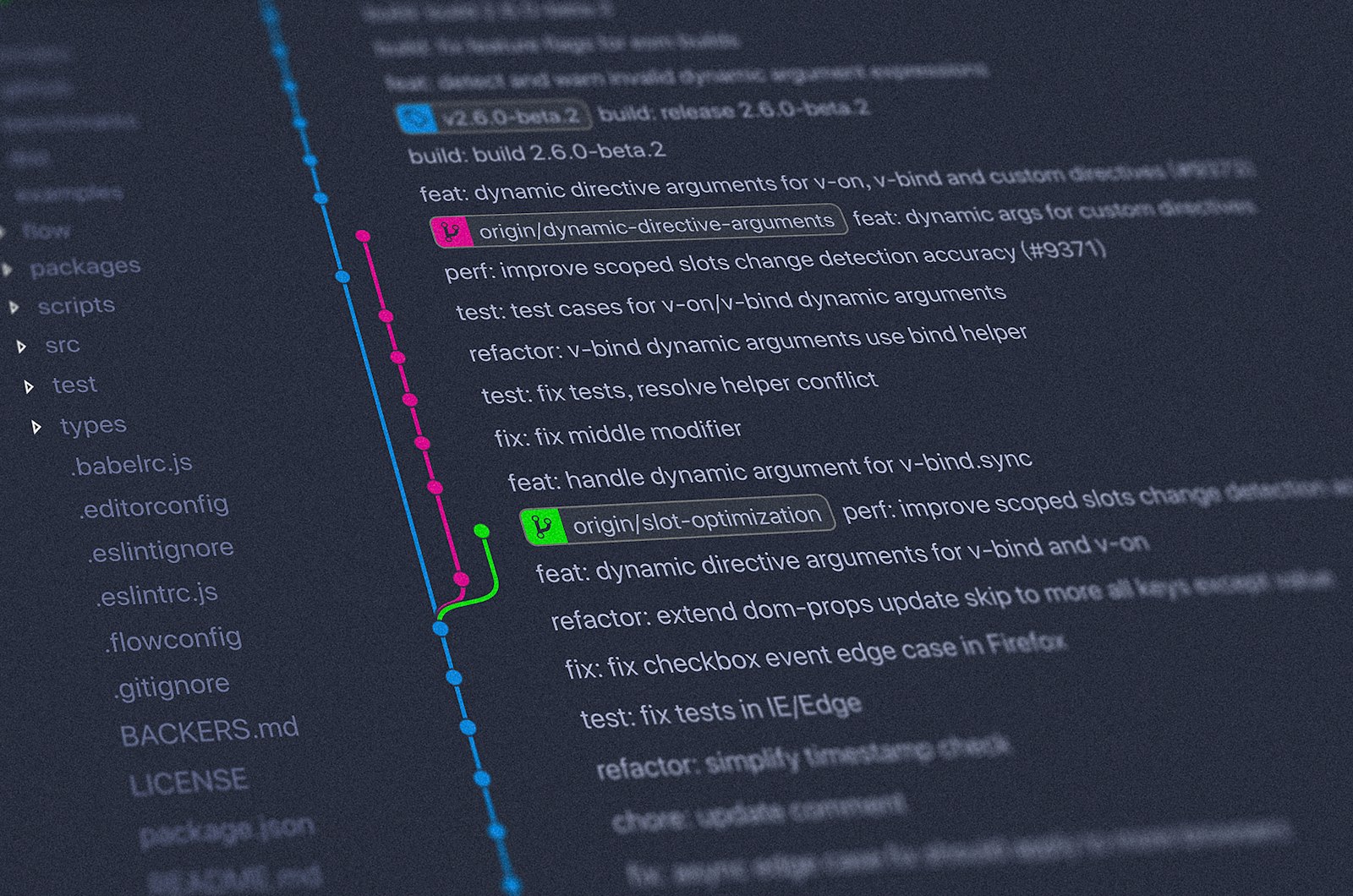
The published page shows the current version. You should keep the older ones somewhere, for your own sake: to answer a reader who quotes a step that no longer exists, or to undo a change that turned out to be wrong. The simplest way is to keep each post’s source in a Git repository and commit every revision with a message that says why:
git add posts/reproducible-tutorial.html
git commit -m "Update step 4 for docker compose plugin"
Later, you can see every change to one post, even if you renamed the file along the way:
git log --follow -p -- posts/reproducible-tutorial.htmlFor prose, line-based diffs are hard to read because a single changed word marks the whole paragraph as changed. Ask Git to compare words instead:
git diff --word-diff HEAD~1 -- posts/reproducible-tutorial.htmlThis also makes writing the change note easy: the diff is the list of what changed, and you only need to describe it in a sentence.
Plan the next check
Updates go better when they are routine rather than triggered by a reader’s complaint. Keep a short list of your posts with their “last checked” dates, and once in a while rerun the oldest one from scratch on a clean machine. If it still works, change only the date. If it does not, you now know before your readers tell you.
Comments help here. Readers often report a failing step before you notice it, and on TechDug guest comments are reviewed by a moderator before they are published, so the useful reports reach the page without the noise. When a reader’s comment leads to a change, it is good practice to mention that in the change note. For how to write up the error a reader reported, see How to explain an error message in a post, and for what the site handles for you, such as tags and the per-author RSS feed, see the features page.



Comments 0
Comments are reviewed before they appear. Oldest first.
No comments yet. Spotted a typo, a better flag, or a step that failed for you? Say so below.